
Real County VINELink Coverage
Texas VINELink is a custody-search and event-notification layer fed by participating agencies. The Real County Sheriff’s official page sends the public directly to it for custody status. That makes VINE the county’s main published online lookup route, but it does not guarantee that every Texas jail, every old Real County booking, or every possible event is present.
For county custody, the live agency selector and the person’s record show whether a relevant source is feeding VINE. Real County may house a person elsewhere, so the feeding agency may be a receiving jail rather than a local facility. TDCJ custody and parole or mandatory-supervision events can also involve state systems. Federal BOP, USMS, and ICE custody are separate and must not be inferred from a VINE result.
- Custody status
- The supplying agency’s current reported state, such as in custody or released.
- Transfer
- Movement from one custodian to another, not necessarily return to the community.
- Discharge
- Completion of the sentence or supervision recorded by the responsible authority.
- Notification
- An alert triggered by an agency-fed event; it is not the underlying certified record.
Search Real County VINELink Records
Use enough information to distinguish one person from another. A full or partial name may return several matches. An offender or booking identifier can narrow the result when the interface and supplying agency offer it. Age or date of birth, the listed agency, and the identifier should agree before a record is opened or an alert is created.
- Open Texas VINELink and confirm that Texas is the selected state.
- Select or review the agency source if the portal asks for one. Consider a receiving jail when Real County housed the person elsewhere.
- Search by the full or partial name, or use the booking or offender ID when offered.
- Compare age or date of birth, identifier, and custodian across all possible matches.
- Open only the well-matched detail and write down the exact status, agency, identifier, and status date.
- Confirm a release or transfer with the agency record and court authority.
A miss is not a release finding. Try known name variants and recheck the agency. The feed could be delayed, a historical entry could have been removed, or the relevant custodian may not participate. For a complete named-person path across county, state, court, federal, and immigration systems, use the Real County release-record lookup.
Real County VINELink Release Fields
Live fields vary by source agency. Do not promise a field that is absent from the matched record. The most useful items identify the person, name the custodian, and date the reported status. A release reason or destination may require a Sheriff or receiving-jail record even when VINE shows “Released.”
| VINELink field | How to read it |
|---|---|
| Name | A starting match that must be checked against other identifiers. |
| Age or date of birth | Helps separate people with the same or similar names. |
| Booking or offender ID | Links the status to a specific agency record when shown. |
| Agency or location | Names the source reporting custody, not every agency involved in the case. |
| Custody status | Reports the source agency’s current label, including released when supplied. |
| Status date | Dates the reported update; it may not explain the release authority or destination. |
“Released” corroborates departure from the agency feeding that record. It may represent bond, time served, sentence discharge, a court order, or transfer. If the destination is absent, ask the custodian. “Out of custody” likewise does not prove that no other agency took control. The completed release entry and receiving-agency information resolve that question.
The captured Texas VINELink search screen shows the official statewide entry point without exposing a person’s private case details.
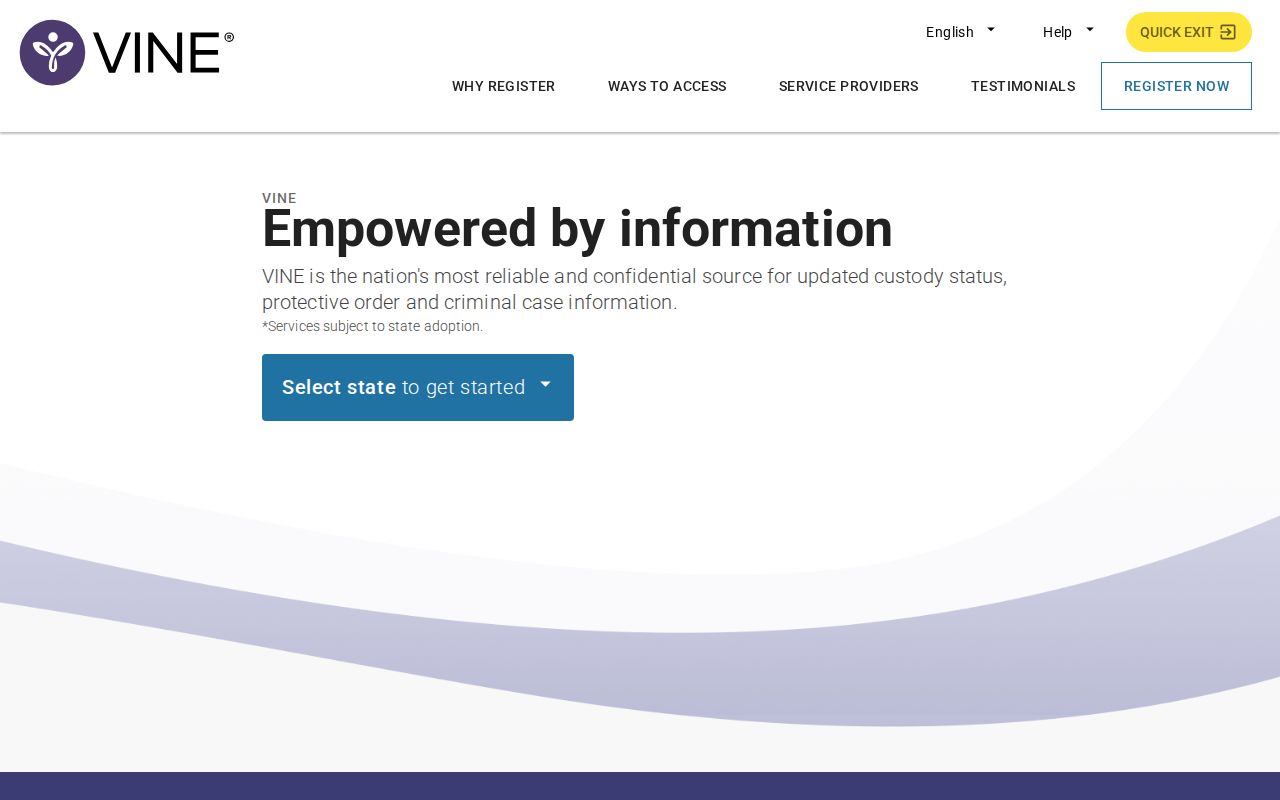
The source screen is the place to select Texas, search a well-identified person, and begin notification registration from the verified record.
Register Real County Release Alerts
Register from the confidently matched person detail. This reduces the risk of attaching alerts to someone with a similar name. Channels can include phone, text, or email when the supplying agency offers them. Events vary by source and may include release, transfer, escape, death, or another custody change.
- Open the verified person detail and choose the notification or Register option.
- Select the available phone, text, or email channel and enter accurate contact details.
- For telephone alerts, create the four-digit PIN shown in the registration process.
- Enter that PIN when an automated call arrives so the system records acknowledgment.
- For text or email, complete the confirmation link or code presented by the system.
- Keep the agency and person identifiers with the registration so a later alert can be matched correctly.
Automated calls may repeat when they are not acknowledged. An alert should prompt a source check, not replace one. Confirm the new status with the Sheriff or physical custodian, especially when the event could be a transfer. Texas VINE also offers statewide telephone access at 1-877-894-8463, written as 1-877-TX4-VINE.
Confirm Real County VINELink Results
VINE is not a certified historical disposition. Its data can lag, and coverage is based on participating source feeds. A released result may omit the reason, authority, and destination. A no-result can reflect spelling, agency choice, delayed data, transfer, removal of an old record, or nonparticipation. None of those outcomes alone proves whether the person is free.
For a Real County booking, call the Sheriff at 830-232-5201 and ask for the custody-location history, release disposition, time, and destination. When another county held the person, contact that receiving jail for the physical exit record. The clerk’s docket or judgment can show the legal authority, though it may not show the exact gate time.
A person transferred to the Texas Department of Criminal Justice should be checked through the TDCJ offender search and its information channels. A TDCJ result can list a current unit or parole office, projected dates, and other state information depending on status. It should not be merged with a county VINE record as though the two systems were one feed.
Why Real County Uses VINELink
The Real County Sheriff page directly links VINELink and offers no separate roster, 24-hour list, 72-hour list, archive, or mobile inmate app. VINE is therefore unusually important for a quick online check. It remains an alert layer, not the county’s release ledger.
This distinction matters because people attributed to Real County may be held in another county jail. The VINE agency and identifier can help locate the right record holder, but the Sheriff’s history is needed to connect that custody record to the Real County booking. Same-name matching must be deliberate. Save the exact wording and date rather than paraphrasing a status from memory.
Note: Text My Gov on a county clerk page is not a Sheriff inmate app and should not be used as a custody source.
Real County Alerts Beyond VINE
TDCJ’s Integrated Victim Services System, or IVSS, is distinct from county-jail VINE. Through authorized or eligible registration pathways, it can provide TDCJ-specific status-change information for people in state custody or on parole or mandatory supervision. Follow its account and eligibility guidance. A county VINE registration should not be assumed to create an IVSS account.
Federal systems require their own route. The BOP Inmate Locator covers sentenced federal custody and can show release from BOP, while USMS pretrial custody has no comparable public historical locator. ICE uses its Online Detainee Locator System. A county disposition saying “released to ICE” means county custody ended and immigration custody began.
Each tool answers a narrower question. VINE reports a participating source’s event. IVSS concerns TDCJ notifications. BOP concerns federal prison custody, and ICE concerns civil immigration detention. Identify the custodian first, then choose the system that actually covers it.
The underlying record remains important after an alert. Request the Sheriff’s booking and release entry with the person’s full name, date of birth if known, approximate booking date, booking number, arresting and holding agency, release date and time, disposition, releasing authority, destination, transfer history, bond information, charges, and cause number. Ask for a code legend when the record uses abbreviations. If another jail held the person, make a parallel request there.
Court records answer a different part of the question. A bond order, dismissal, judgment, commitment, or supervision order can explain why custody should change. The jail entry shows when the physical change was completed. Real County does not provide a linked online criminal case search, so the County Clerk or District Clerk must identify the cause. A docket entry that says release was ordered is not itself the gate timestamp.
For TDCJ, search by the state number or SID when known, or by name with age and county-of-conviction details. Depending on status, a result may show the unit or parole office, sentence facts, parole eligibility, projected release, or maximum sentence date. Those projected fields concern expected state processing. They are not proof that release occurred. Confirm an actual release or discharge through TDCJ records.
Save alert details in a way that prevents confusion later. Keep the person identifier, agency, registered channel, registration date, and the exact event text. If an automated call repeats, use the PIN to acknowledge it. If an email or text link expires, return through the official portal instead of following an unverified message. Then contact the named source agency for the completed event record.
Correction also begins with the source. If the matched VINE detail appears wrong, first recheck the identifiers and agency. Save the wording and time observed, then contact the agency that supplied the status. The Sheriff, receiving jail, TDCJ, or other custodian can review its own entry. A VINE screen should not be edited into a different conclusion, and silence from one portal should not override an official release or transfer record.